How to Register for XM on a Smartphone: Electricity Bill Screenshots Recommended for Proof of Address

  • XM
  • 2025年3月24日
目次
Register with XM and receive a $100 bonus

You can register & trade with XM on your smartphone

XM

Registering with XM is very easy.

XM Registration

XM


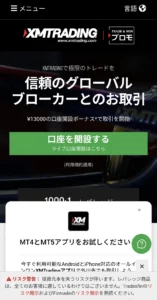
  • Tap "Open an Account" from the Top Page
  •  

  • Enter your email address and password
  •  

  • Tap the URL in the confirmation email sent to your email address
  •  

  • Enter your address and phone number

It takes about 3 to 4 minutes to complete the registration.

Two types of identification documents are required for XM

The following two types of documents are required for XM identity verification.


  • Photo ID such as My Number Card, Driver's License, Passport, etc.
  •  

  • Proof of Address document

Aside from ID,

Some people may have trouble submitting proof of address because they don't receive electricity or water bills by mail these days.

Electricity bill usage details are acceptable as proof of address

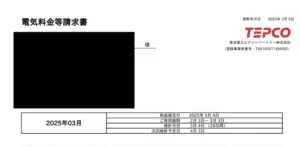
In conclusion, if the electricity bill receipt has the same address as your ID, sending a screenshot of it will be approved.

TEPCO Detail DL

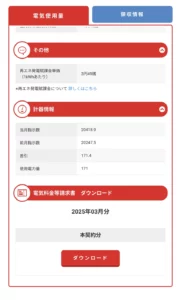
If you are using TEPCO (Tokyo Electric Power Company), tap "Usage Details" -> "Download" from the top page to download the PDF.

TEPCO Detail

PDFs cannot be uploaded as is, so take a screenshot of the PDF and send it to get approved.

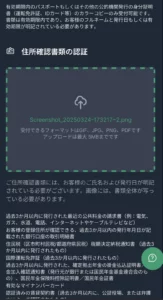
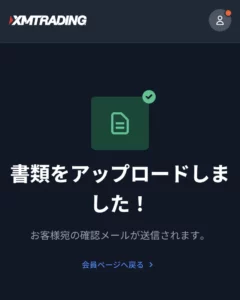
XM Document Upload

XM Document Upload

Register with XM and receive a $100 bonus